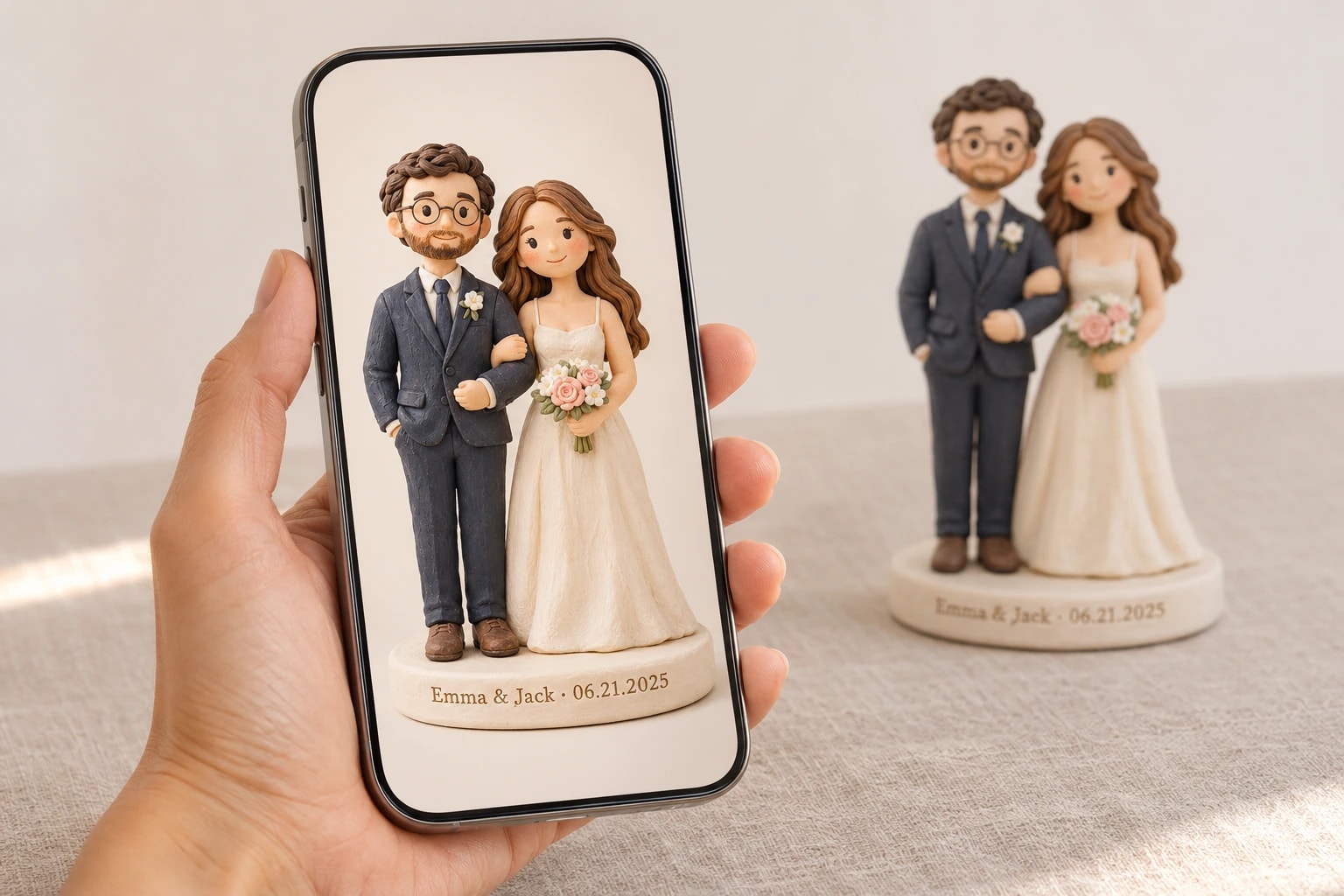
Photos for a custom clay figurine: what the sculptor needs to see
November 19, 2026 · 6 min read
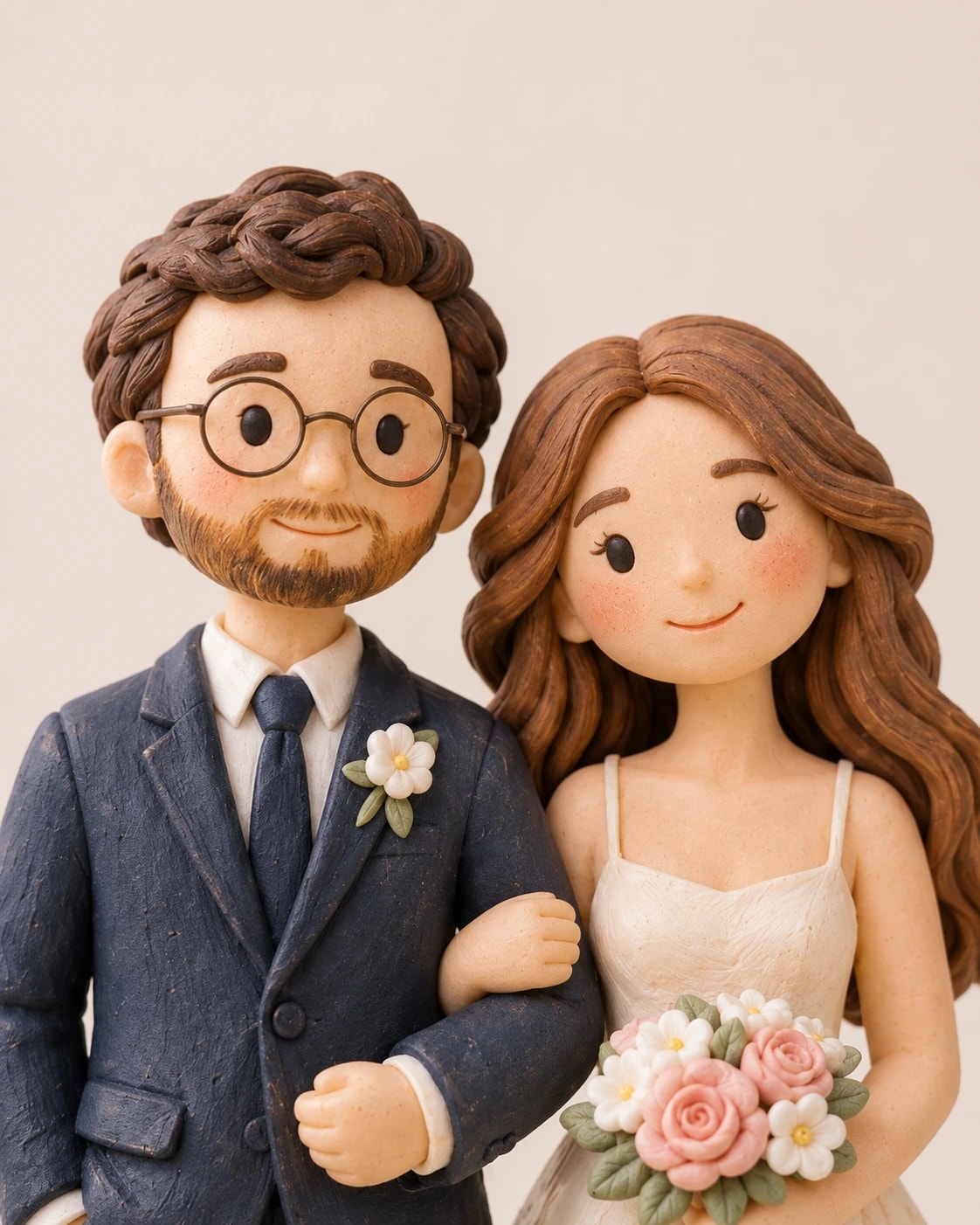
One clear, well-lit photo of each person or pet is enough for us to start. Good photos for a custom figurine are taken in soft light, show each face big and sharp, and catch people as they usually look, glasses and all.
What makes good photos for a custom figurine?
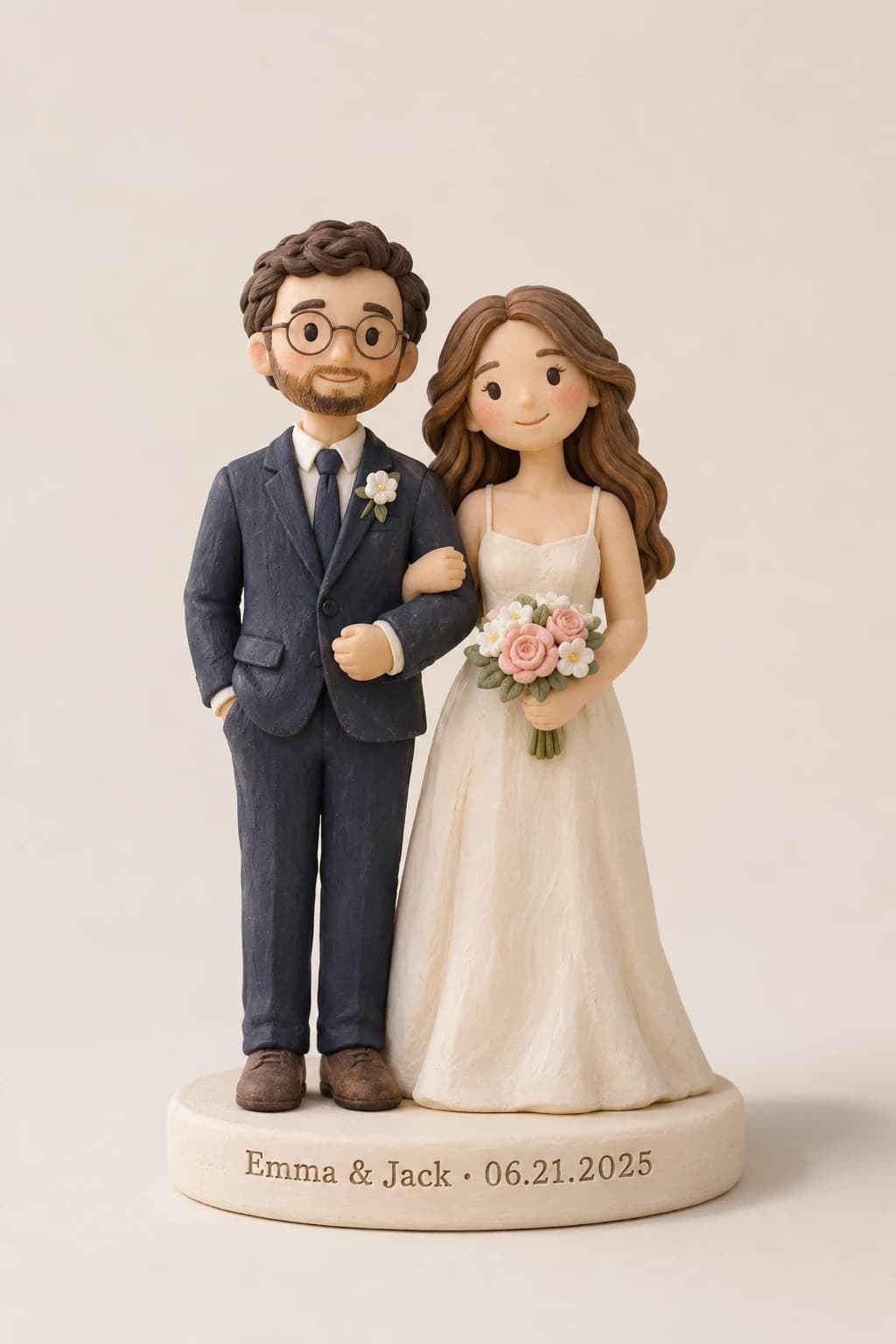
Every face is sculpted and painted by hand from your photos, with no templates and no stock heads. A figurine is an artistic interpretation, not an exact replica, and the sculptor can only work from what your photos show. So pick photos where the glasses, hairline and smile are easy to see.
Soft daylight. Look for photos taken facing a window, outdoors in the shade or on a cloudy day. Midday sun throws hard shadows under the eyes and makes people squint. A flash flattens a face, and a bright window behind someone leaves their face in the dark.
A big, sharp face. Head and shoulders, not a tiny face in a wide landscape. A quick test: zoom in on the eyes. If they stay crisp, keep the photo; if they turn to smudges, choose another. Send the original file, too. Screenshots and copies from a group chat are usually smaller and softer.
Straight on, plus one from the side. A straight-on photo shows the eyes and the smile. A figurine is seen from every side, so a photo from the side helps with the nose, the jaw and how the hair falls at the back. An arm’s-length selfie can make a nose look bigger; one taken from a few steps away is truer.
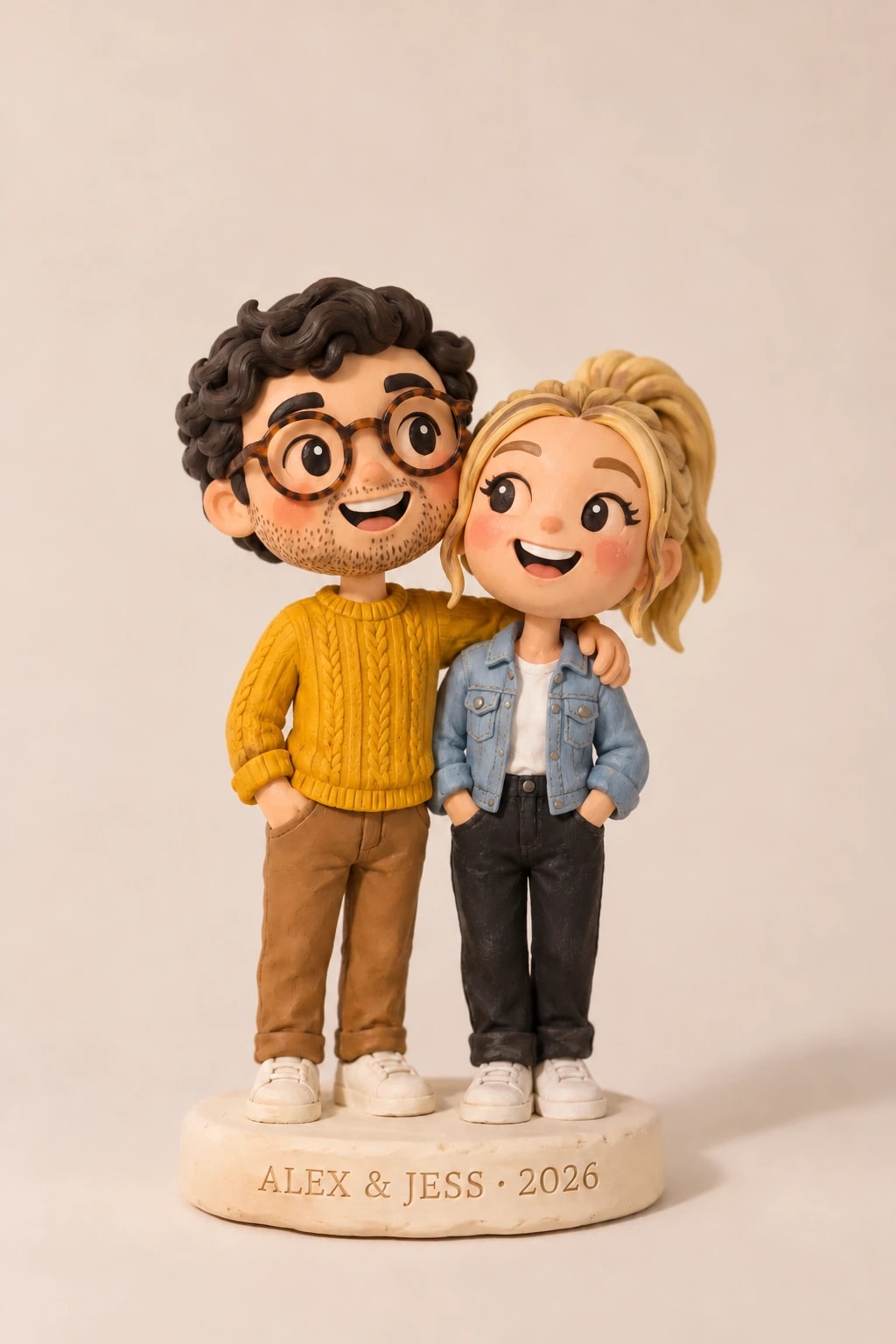
The way they usually look. If someone wears glasses every day, send photos with them on, so we can see the frames: round wire, thick black, tortoiseshell. If glare on the lenses hides the eyes, take another with the chin tipped down a little. Show the hair and beard as they usually are, in a recent photo if the haircut has changed. Skip sunglasses, masks and hats pulled low.
True colors. Hair, skin and clothing colors come from your photos. Filters and beauty modes reshape faces and shift colors, and warm indoor bulbs tint everything yellow, so send unedited photos. If a color looks wrong in every photo, say so in the notes: “her dress is ivory, not white,” or “his suit is navy, not black.”
Do you need a full-body photo?
It helps. One full-body photo lets us match the outfit, and it doesn’t have to show the face clearly.
You don’t have to keep the outfit from your photos, either. Describe the outfit, hairstyle or pose you’d like in the notes when you order: a wedding dress instead of jeans, a favorite jersey, her hair down, the two of you holding hands. You’ll see the result in your preview before anything ships, and two rounds of changes are free. Our guide explains how to review your preview and ask for changes.
How many photos should you send?
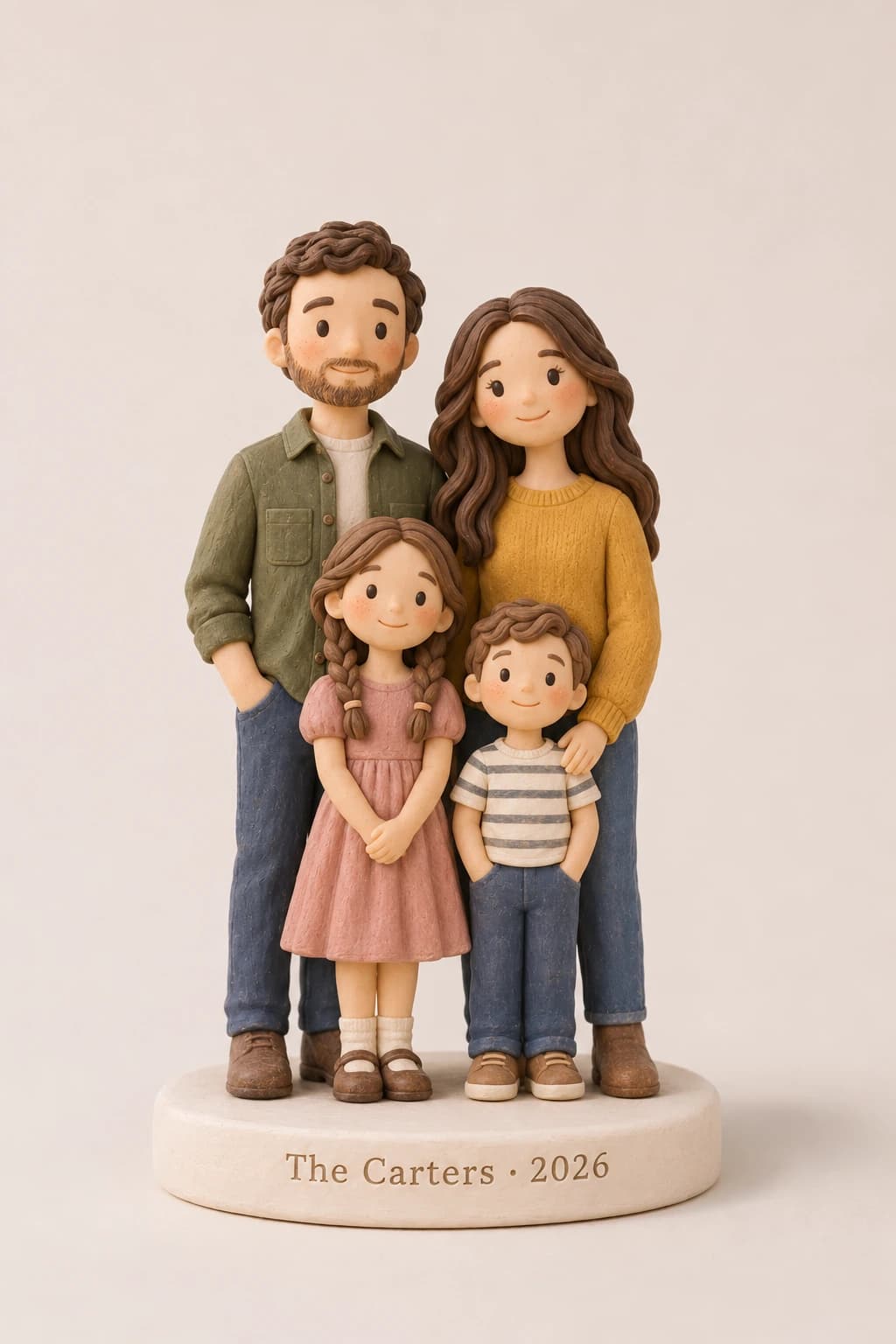
One per person or pet is enough. If you have more, pick a few that differ: a close-up, a side view, a full-body shot. With a big family, cover everyone with one clear photo first.
- You can send up to 12 photos for the whole figurine, each up to 15 MB.
- JPG, PNG, WEBP and iPhone HEIC files all work.
- Phone photos are fine.
Can you mix photos from different days?
Yes. Everyone on the figurine can come from a different photo, taken days or years apart, and we bring them together on one base. That includes people who have never been in a photo together. A few lines in the notes help us place them:
- The pose. Arm in arm, the kids in front, the dog at your feet.
- Heights. Separate photos can’t show who is taller, so tell us: “she comes up to his shoulder.”
- Which look. If the photos span years, say which one you want: Grandpa today, or Grandpa on his wedding day. For kids, use recent photos, since they change fast.
Can you use a group photo?
Yes, if the eyes stay sharp when you zoom in on each face. In a group shot from across the room, every face is tiny, so add a close-up of each person if you can.
You can crop it or send it whole. Either way, tell us in the notes who is who and who belongs on the figurine: “Mom is second from the left, in the green sweater. Leave out the cousins on the right.”
What if your only photos are old or blurry?
Send the clearest ones you have. Several imperfect photos of the same person can fill in for each other: one may show the smile, another the hairline.
For a printed photo, take it out of the frame, since the glass adds glare. Lay it flat near a window, turn off the flash and photograph it from straight above.
We look at every photo before we start. You get an email once they’re checked. If one isn’t clear enough, we ask for another within one business day. If it’s the only photo there is, say so in the notes.
If the figurine is in memory of someone, we can include a family member or pet who has passed away. Let us know in the notes, and you’ll see a preview before anything is finished.
How should you photograph your pet?
If a dog, cat, bunny or other small pet is on the figurine too, the same tips apply, plus three of their own:
- Markings. Show every patch, spot and stripe, from both sides if they differ.
- Ears. Pointed, floppy or one of each: make sure they’re in the shot.
- Eye level. Get down to their height. Shot from standing height, they look all head and no legs.
Our guide to custom pet figurines from photos covers collars, poses and telling two pets apart.
Do you have to send photos when you order?
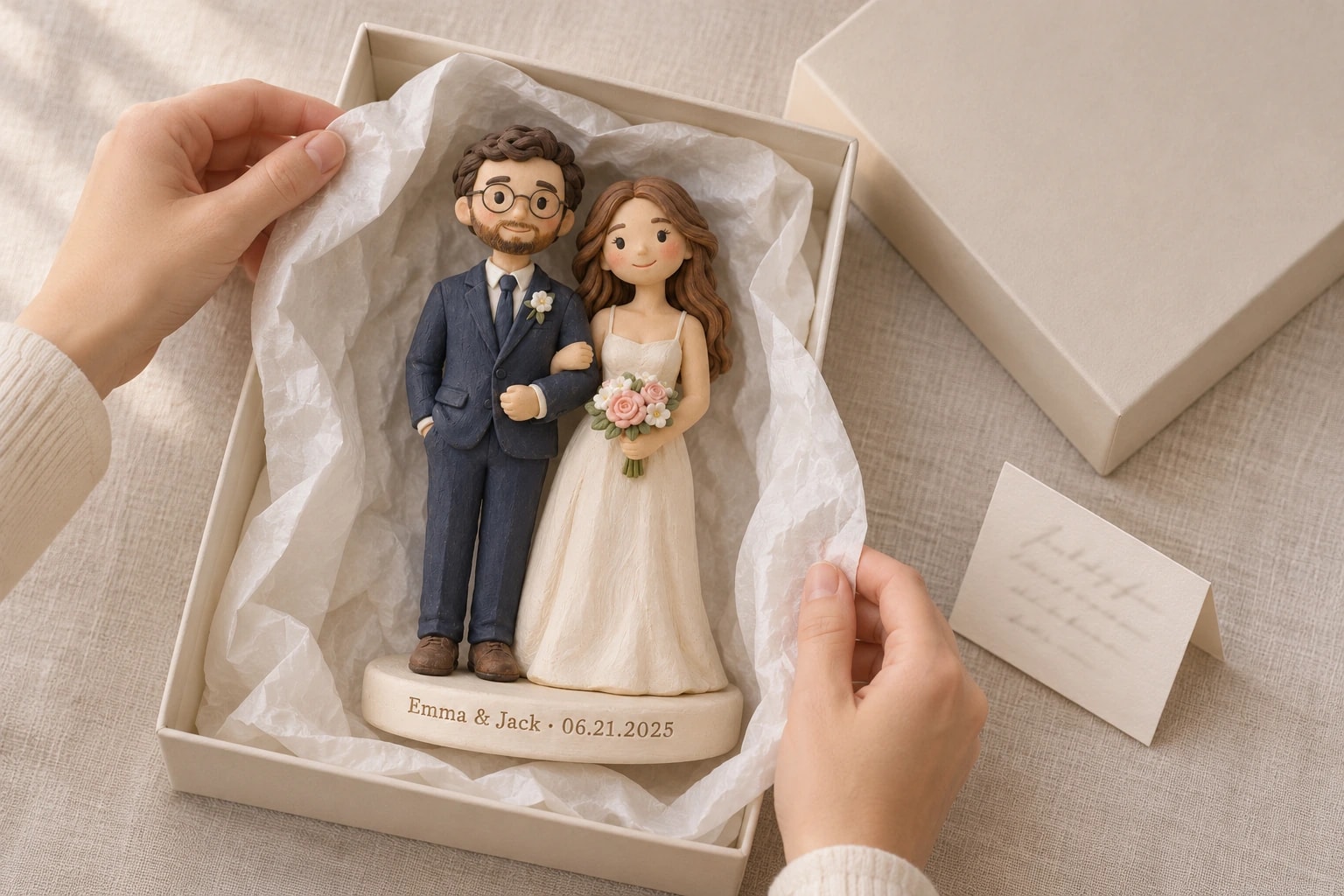
No. Upload them on the product page as you order, or choose “Send photos after checkout” and we email you a private upload link right away. That helps when it’s a surprise and you need to collect photos quietly from the family. The preview comes only to you, so the surprise stays safe. Notes can come later too: just reply to any of our emails.
Sculpting starts once your photos arrive, so sending them later means later delivery. The holiday order-by dates assume they come with your order. If it’s for Christmas, check when to order a custom figurine for Christmas 2026. Lost your private link? Get a fresh one on the order status page with your order number and email.
What happens to your photos?
They’re stored privately and shared only with the makers working on your order. We never use them for advertising, and we delete them 90 days after delivery. If you opt in at checkout, we may show the finished figurine publicly, but never your photos, your name or your address.
A quick checklist before you upload
- A clear, sharp photo of each face, in daylight or a bright room
- No sunglasses or filters; originals, not screenshots, when you have them
- Glasses and hair as usual, or the look you want in the notes
- A side view, if you have one
- One full-body photo for the outfit
- Pets at their eye level, markings and ears showing
- Up to 12 photos in all, each up to 15 MB
- Notes on who is who, the pose and anything the photos don’t show
Once you’ve picked your photos, choose your figurine in our shop and upload them as you order, or later with your private link.